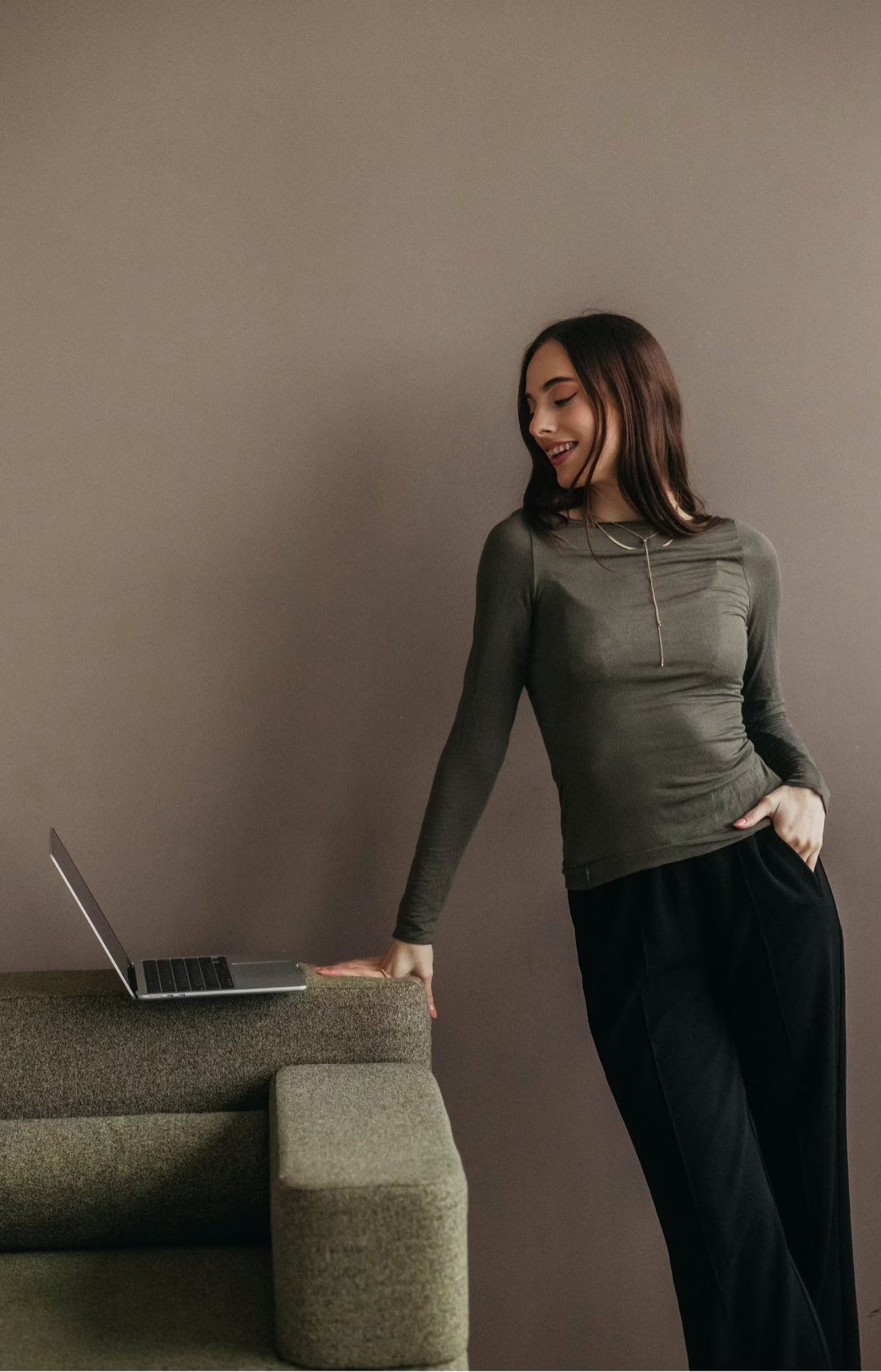
The mistake I see most when clients come to me: a cartoonish model made in ChatGPT from one line of text, no references at all. Then that picture gets animated, the clip looks like every other AI clip, and the conclusion is that the tool is not ready. The clip looked generic because the first frame was generic.
A short ad video for Meta is a single frame that moves for four or five seconds. The frame decides most of the result, and motion cannot fix a weak one. The work goes into the frame, and below is how I build it. I make the first frame in an image model, check it at full size, then animate it in a video model such as Seedance 2.5 or Kling with a short description of the movement. Each step depends on the one before it, and the first one takes the longest.
Which image model matters more than people think. Right now ChatGPT Images 2.5 gives me the most realistic pictures, more realistic than Nano Banana Pro, and I need fewer attempts with it. Nano Banana 2, for what it's worth, does worse than Nano Banana Pro. Kling I like less for one reason: it shakes the camera too much.
References, one job each
I build the prompt together with Claude, from a whole pile of references, and the model gets a small set of them. Each one has one job. One image is the product alone, so the fabric, colour and logo position come from it and nothing else. One is the actual model from the store's own photos, because the person in the ad should be the person on the product page the ad leads to. And one or two are composition references from Pinterest: this one for the pose and framing, that one for the light.
Each reference comes with a sentence saying what to take from it and what to ignore. "From image 4, take the pose and the framing at knee height. Ignore the face, the clothes, the car brand and everything inside the trunk." Without that sentence the model borrows whatever it likes, and you end up with a stranger's jacket on your model.
What still annoys me: the pose from a reference comes through fine, the light often doesn't. That is why the prompt below has its own section just for light.
The prompt, section by section
Google's guide for its image model says what I found by trial: "Describe the scene, don't just list keywords... A narrative, descriptive paragraph will almost always produce a better, more coherent image than a simple list of disconnected words." And for realism: "think like a photographer. Mentioning camera angles, lens types, lighting, and fine details will guide the model toward a photorealistic result." Source: Google Developers Blog.
My prompts are long and split into labelled sections. This is a shortened version of one, with the brand removed.
[SUBJECT]
The man from image 2: the same face, curly light-brown hair, short trimmed beard, lean athletic build, straight posture. He wears the hoodie from image 1, copied exactly, fitted the way it sits on him in image 2: heather navy, dense soft fleece, regular fit with air between fabric and body, hood resting on the back, two flat white drawstrings. The logo sits high on the left chest, the size of a business card, exactly as in image 1. Below: dark grey knee-length shorts, clean white sneakers, white socks. Pose as in image 4: standing half-turned to the camera at the open trunk of a car. His right hand has just set the bag from image 3 in the trunk and still holds the top handle, five fingers visible. His left hand pulls the hem of the hoodie down at the hip, five fingers visible. Open warm smile, eyes narrowed against low sun, gaze past the camera to the right. Living skin: pores, slight redness on the cheekbones, damp hair at the temples, loose curls lit from behind.
[ENVIRONMENT]
An open asphalt parking lot in an American suburb, early evening, first days of autumn. A dark grey SUV parked at an angle, rear door up. Inside the trunk exactly two things: the bag and a rolled white towel; the rest of the trunk is empty, dark plain lining. In the distance a low building with no signage, a few cars, trees with the first yellow leaves. Cracked asphalt with white markings. No other people.
[STYLE]
Full-frame camera, 35 mm lens, f/2.0. A live shot, as if a friend took it on a phone from three steps away, slightly uneven, with the looseness of a real snapshot.
[LIGHT]
Low sunset sun behind and to the left: golden rim light on the curls, the left shoulder and the edge of the trunk door; soft warm bounce from the asphalt on the face; a long shadow from him and the car toward the camera. Muted warm palette, clean image without grain.
[FRAME]
Vertical 9:16. Knee-height framing, the man in the right two thirds, the open trunk with the bag on the left and behind. The top fifth of the frame is sky and blurred trees with no detail, left free for text. Background in soft focus; the face, the chest logo and the bag logo sharp.
[CONSTRAINTS, stated as facts]
The only text in the frame is the two brand logos, on the chest and on the bag; the car body, licence plate, building and every other surface are smooth, without emblems or writing. Hoodie and sneakers clean and dry. One person, two hands, five fingers on each.
Why the prompt looks like that
Hands the model has to invent often come out wrong, so the prompt says where each hand is and that five fingers are visible.
I write constraints as statements. Google's guide calls these "semantic negative prompts": "Instead of saying 'no cars,' describe the desired scene positively: 'an empty, deserted street with no signs of traffic.'" A list of things to avoid often produces exactly those things. "The licence plate is smooth and blank" works where "no text on the plate" does not.
I ask for imperfections by name: pores, damp hair, cracked asphalt, a slightly uneven angle. Without them the image looks generated. I leave out "8K", "ultra-realistic" and "masterpiece" for the same reason; they push the image toward the glossy AI look the whole prompt is trying to escape, and a named camera, lens and light do the job those words pretend to do.
I describe the product from its specification and give the logo a size and a position. This part cannot be approximate. The customer who clicks the ad will land on a product page with the real hoodie, and the two have to match.
Checks before the video model
The prompt is in English, and I reread it before running, because one vague line is enough for the model to fill the gap its own way. I ask for two variants per prompt and pick the better one. Then I zoom into three places: both logos, the fingers, and the face. Any of those wrong, and the frame goes back for another pass. Two or three generations usually get me a frame I approve; more when the references are weak or the prompt is vague. Only an approved frame goes to the video model, because the video costs several times more than the image and cannot repair what the frame got wrong.
After the video
Video models tend to brighten the frame, so the clip gets its brightness pulled back to match the original. Then the text: a short line in the top fifth of the frame that the prompt left empty. Models got better at lettering, and sometimes the text they draw is clean, so I keep it. When it comes out warped, I put a plain overlay on top on my own computer. I do this for three concepts, and the Meta test starts with three real ads.
My tip: before you pay for a single second of video, zoom into the logos, the hands and the face. If one of them is off, the video will be off too.
Planning AI creative for a product? Book a consultation and bring your product photos.