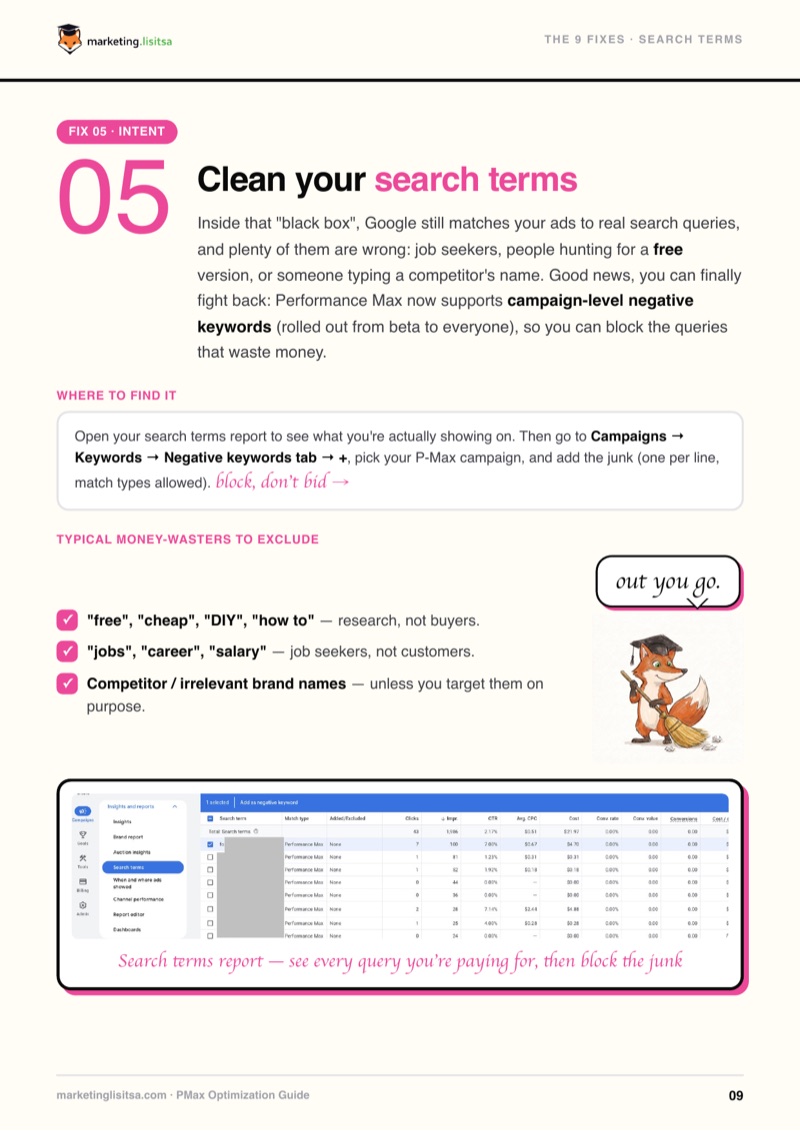
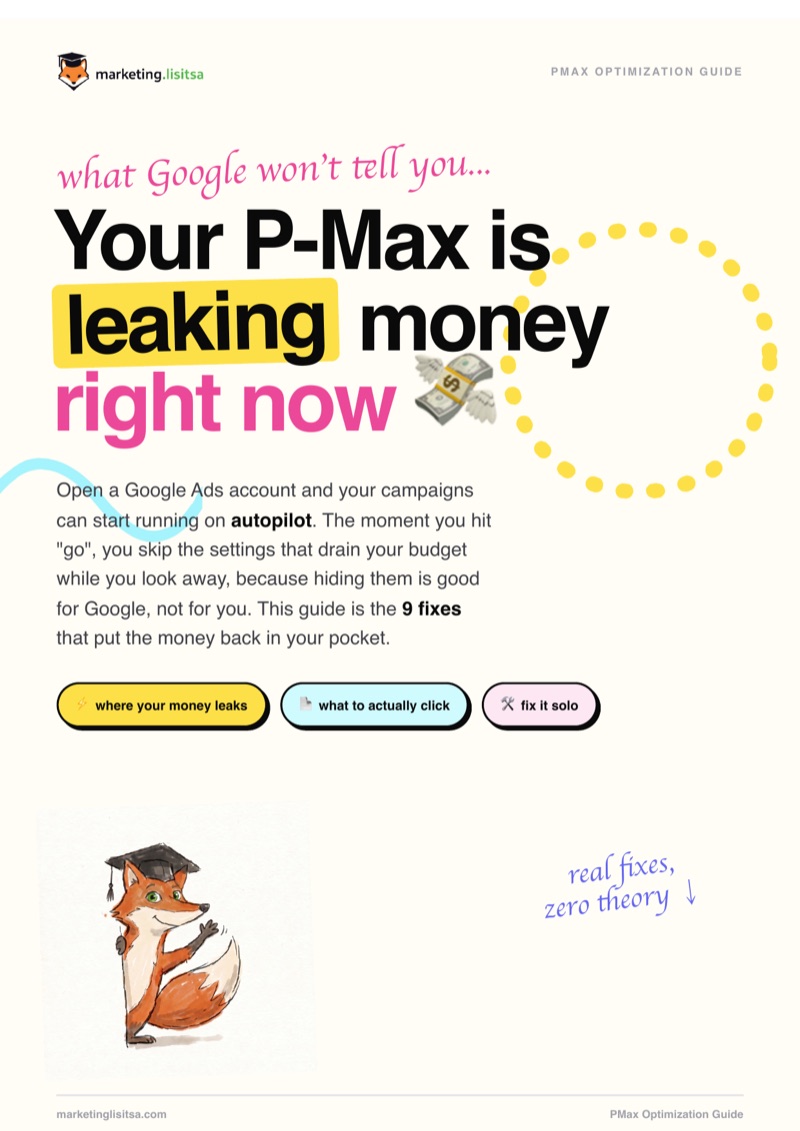
🎁 Bonus inside Fix Your P-Max guide cover

Fix Your P-Max: 9 Steps to Stop Wasting Budget

The moment you hit "go", Performance Max starts running on autopilot, and the defaults are built to spend, not to sell. This guide is the 9 exact fixes (with screenshots) that put the money back into real buyers.

$25 $50 Save 50%
📄 16-page PDF 🖼️ Real Google Ads screenshots ♾️ Lifetime access
🎁 Bonus included

A free Google Sheets toolkit: an audit checklist of all 9 fixes, a ready negative keywords starter list, and a monthly maintenance routine so the leaks don't come back.

What’s Inside

Google hides the settings that quietly drain your budget, because hiding them is good for Google, not for you. This guide walks you through all 9, and here’s what each one is really about:

  • You’re paying for the wrong people. Your budget reaches viewers who were never going to buy, and it’s dressed up to look like "reach".
  • Google is making decisions for you. It rewrites your ads and redirects your traffic without asking, and most people never notice.
  • You’re bidding on searches that never convert. Job seekers, freebie hunters, the curious, all quietly eating your spend.
  • The click isn’t the finish line. Winning the auction means nothing if the ad, the tracking or the page lets the buyer slip away.

Every one is a setting you can fix yourself in an afternoon. The guide shows exactly where it lives, what to change, and why, with a real screenshot for each.

Who This Is For

Business owner

Business owners

You launched a P-Max campaign, the spend goes up, but the sales don’t, and you want to know exactly what to change.
Beginner in Google Ads

Beginners in Google Ads

You want to skip the defaults that burn money and set P-Max up right from the first day, without the jargon.

Freelance marketer

Freelancers & marketers

You manage campaigns for clients and want one clear checklist to audit and fix any Performance Max account fast.
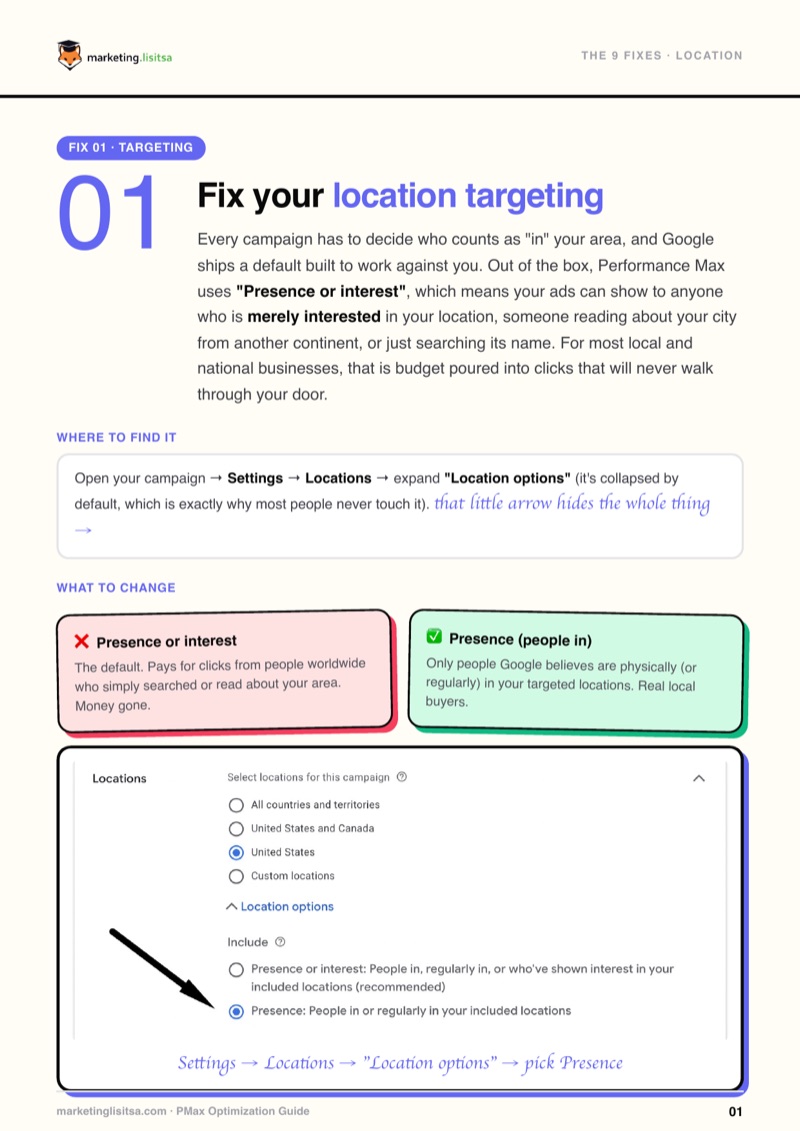
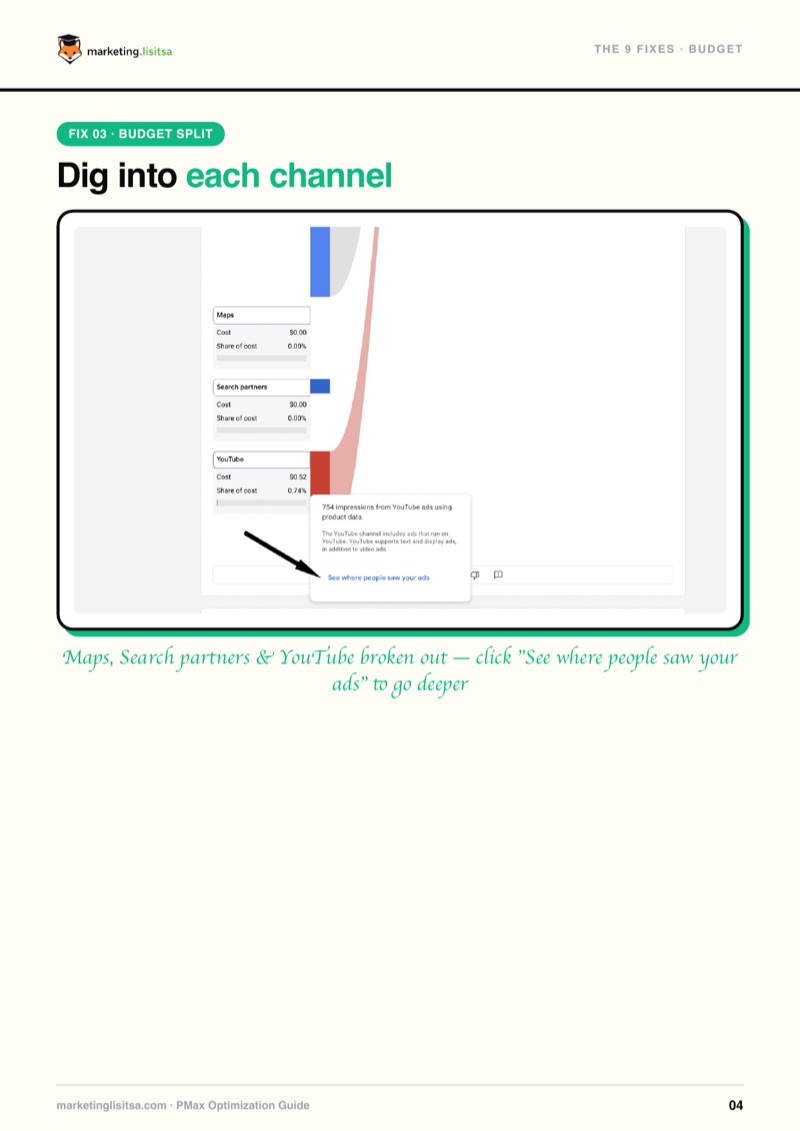
How It Looks

Sample page: fix your location targeting Sample page: dig into each channel’s spend Sample page: clean your search terms

How to Use It

  1. 1
    Open your campaign. Have your Performance Max campaign open in one window and the guide in the other.
  2. 2
    Follow each fix in order. Every step shows the exact path and a screenshot, so you just match it and change the setting.
  3. 3
    Watch the waste drop. Give it a week, check the numbers, and see your budget shift toward the clicks that actually buy.

Frequently Asked Questions

No. Every fix is a setting inside Google Ads. The guide shows you where to click and what to choose, nothing more.
Yes. It’s written for beginners: plain language, real screenshots, and the exact path to each setting. It also works as a fast audit if you already run P-Max.
I collected here the knowledge that helped me improve campaign performance in real accounts. But sales don't depend on campaign settings alone: your product, your website, your offer and other factors all play their part. This guide fixes the campaign side of that equation.
A downloadable PDF with step-by-step instructions and screenshots for all 9 fixes, plus a bonus Google Sheets toolkit: an audit checklist, a negative keywords starter list and a monthly maintenance routine. Yours to keep forever.
A download link is emailed to you right after payment: instant, lifetime access.